Mascot dance video for brands, shops and teams

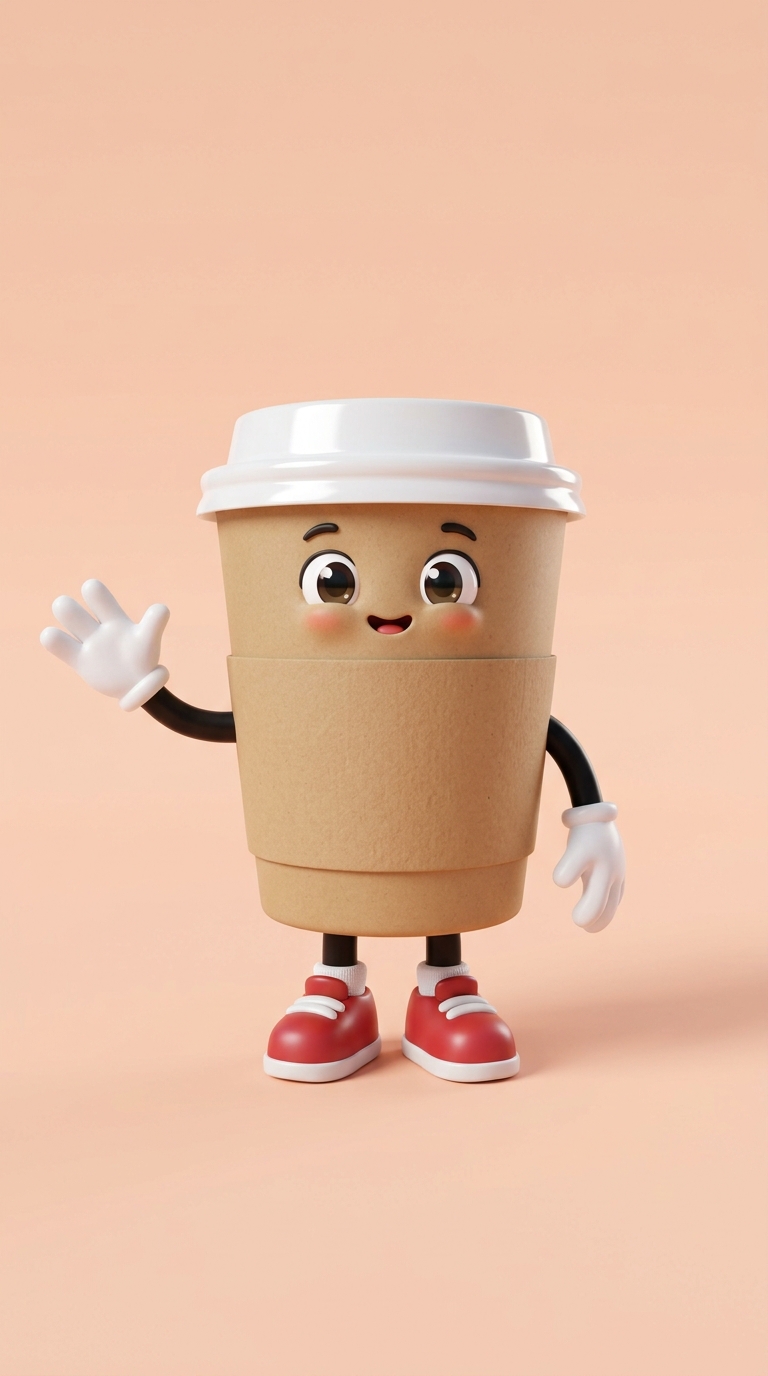
The picture that was uploaded: a coffee-cup café mascot with gloves and red sneakers
Wave arms · a coffee-cup café mascot with gloves and red sneakers

11. Your character

Upload a character

A mascot, plush toy, drawing, 3D character or pet, full body if you can. JPEG, PNG or WebP. Pictures of real people are refused.

22. Pick a move

Length

33. Quality

Sign up for 140 free credits

140 credits once after you confirm your email: one 5-second Draft of your character.

To make a mascot dance video, upload one clear picture of your mascot and pick a move. A costume photo, a drawing or a 3D render all work; try Cheer, Victory jump or Two-step and render a Draft. getaimotion.com turns it into a short vertical MP4 of the mascot dancing, ready for a story, a reel or a screen in the shop. The mascot keeps its own colors and costume; only the movement is added.

Updated

How it works

  1. 1

    Upload the mascot

    Use the cleanest picture you have: the logo artwork in full body, a 3D render, or a photo of the costume on a plain wall. JPEG, PNG or WebP, at least 256 px a side, up to 10 MB. Use your own mascot or one you are licensed to use.

  2. 2

    Choose a move that fits the moment

    Cheer and Victory jump suit wins and launches, Wave arms suits greetings and openings, Two-step and Bounce suit everyday posts. Pick 5 or 8 seconds; the price shows on the button before you render.

  3. 3

    Draft, Final, then post

    Check the 480p Draft for the logo, the face and the limbs, then press Make the Final for 580p or 720p. Download the silent MP4 and add your own licensed music and captions in your usual video app.

Good for

  • Small businesses with a mascot drawing but no animation budget
  • Sports clubs and school teams celebrating a win or a match day
  • Event and launch announcements with a familiar face
  • Marketing teams that need several short clips of one character
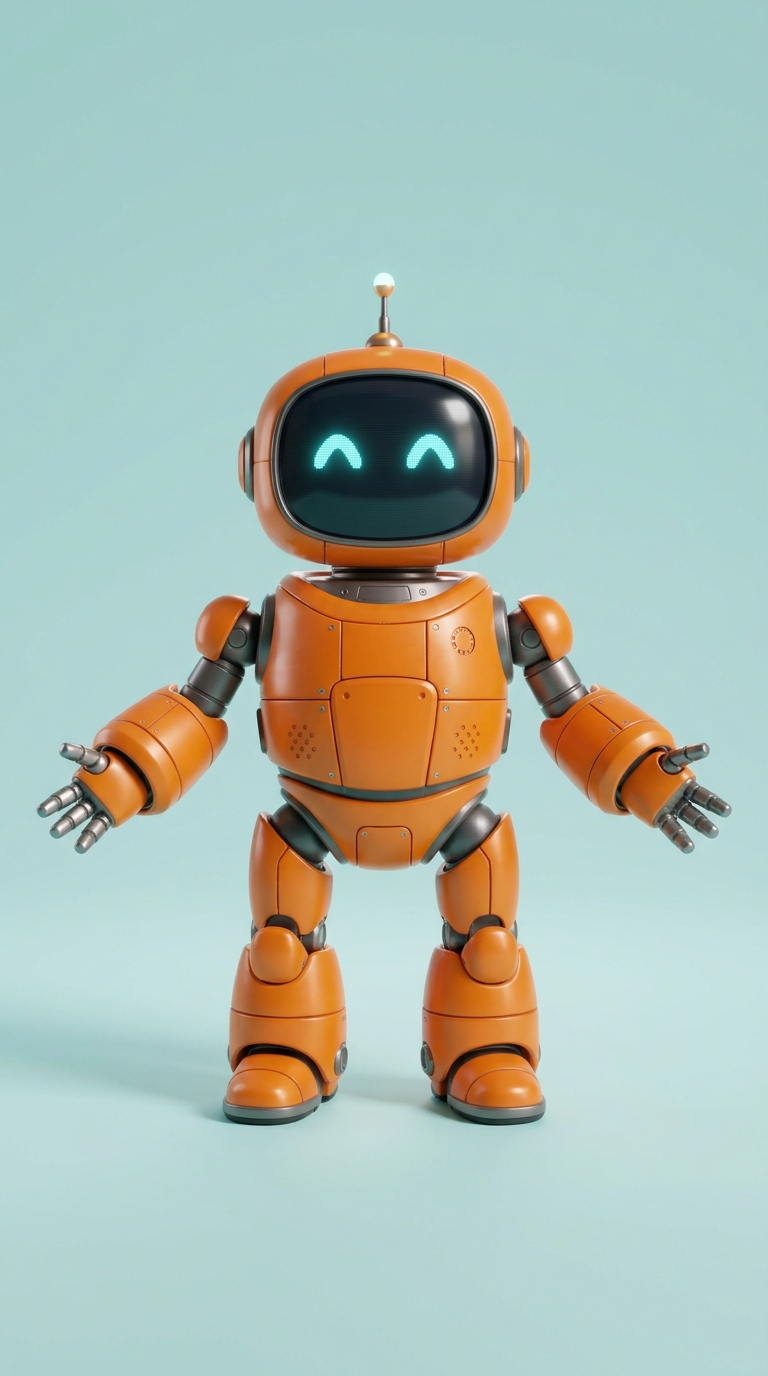
The picture that was uploaded: an orange game robot with a screen face
Robot · an orange game robot with a screen face
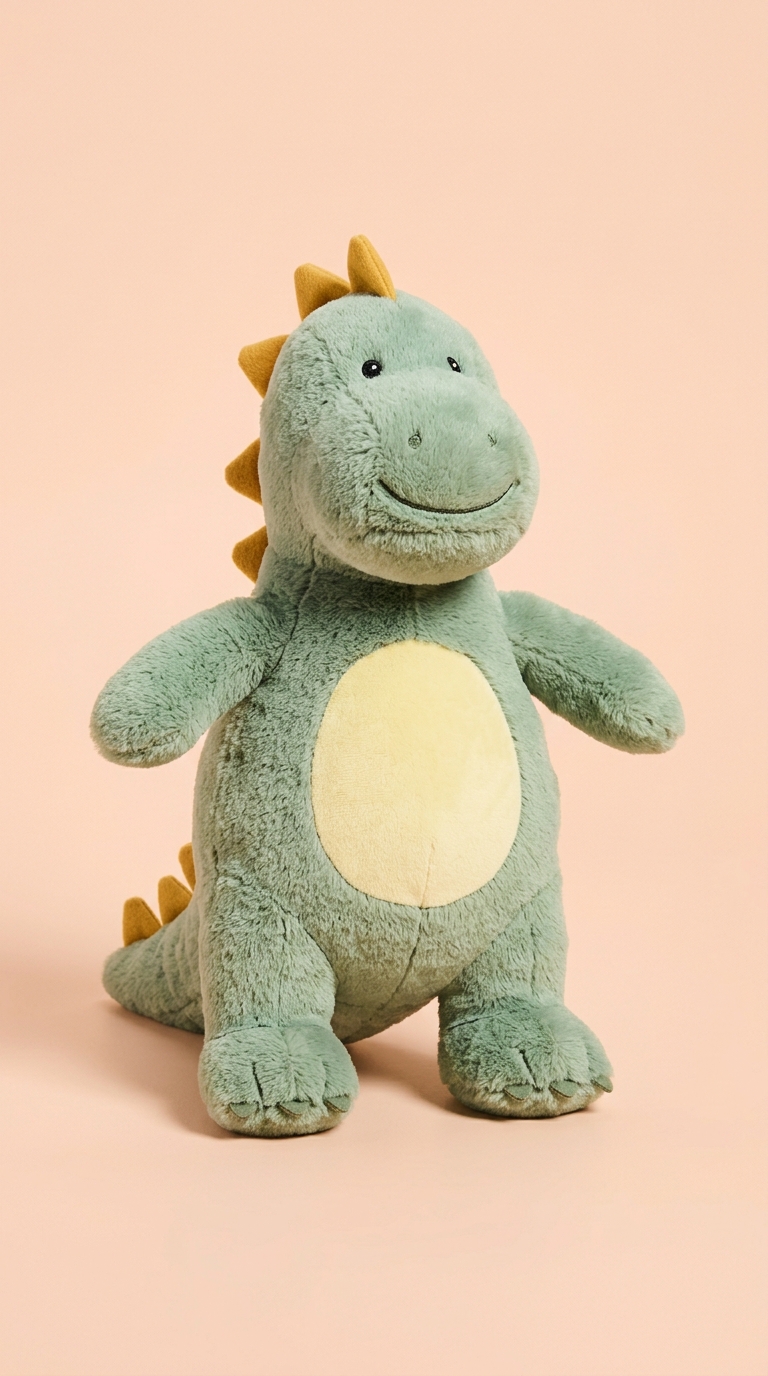
The picture that was uploaded: a green plush dinosaur toy
Bounce · a green plush dinosaur toy

01

Which mascot picture to start from

Most mascots exist as a logo drawing, a 3D model or a costume. Any of them works if the whole character is in the picture, standing, facing forward and separate from the background. A flat logo with the mascot cut off at the waist gives the dance nothing to move below the waist, so look for a full-body version or ask your designer for one. Costume photos work well when the costume is shot straight on against a plain wall, with the performer standing still; the result shows the mascot, and the costume is treated as the character. Avoid group shots with the mascot next to staff or fans, since the picture should hold one character only, and real people as the subject are refused by the picture check.

02

Matching moves to brand moments

A mascot clip works when the move matches the message. Cheer and Victory jump read as celebration: a goal, a sold-out event, a milestone. Wave arms is a greeting and fits an opening day, a welcome post or the top of a newsletter video. Bounce and Two-step are relaxed and can run on any day as a friendly loop. Robot and Slide feel playful and suit tech or youth audiences. Spin is the most energetic, but fast turns can blur thin parts like tails or flags, so check the Draft closely. Because template moves are vertical 9:16, they suit stories, reels and phone screens; if you need a square post, place the clip on a square canvas in your editor.

03

Keeping the mascot on brand

The dance keeps the mascot from your picture: its colors, proportions and costume details come from the upload. Small details such as printed text on a shirt or a tiny logo on a hat can soften during motion, so if they matter, add the text as a caption in your editor instead of relying on the mascot to carry it. Use a Draft to check that the face stays readable and nothing important disappears, then render the Final at 720p for anything that will be shown large. Teams can share one credit pool on the team plans, so several people can make clips of the same mascot without passing a login around.

Credits per dance

Credit packs start at $5.35 and the largest plan is $480.50 a year; the total for your dance shows on the button before anything runs. Plans and credit packs

Credits per second by quality
QualityCredits
Draft, 480pSeedance 2 Mini28 per second
Final, 580pWan 2.2 Animate44 per second
Final, 720pWan 2.2 Animate57 per second

Questions

Can I use a photo of someone in the mascot costume?

Yes, if the costume covers the performer and the photo shows the mascot as one character. Photos where a real person is the subject are refused.

Can I use a famous cartoon character as my mascot?

Only if it is your own character or you hold a license to use it. Famous copyrighted characters you do not own are not allowed under the Acceptable Use Policy.

Will my logo text stay sharp?

Large shapes and colors stay, but small printed text can soften during the move. Add important text as a caption in your editor.

Can several people on my team use it?

Yes. The team plans give each seat access to one shared credit pool, so everyone can make mascot clips from the same balance.

What format is the finished mascot video?

A silent MP4, vertical 9:16 for template moves, at 480p for a Draft or 580p or 720p for a Final.